Zendesk Jira integration options
Organizations typically choose one of four approaches when integrating Zendesk and Jira.
1. Native Zendesk Jira integration
Zendesk offers a native Jira integration that allows agents to create and link Jira issues directly from support tickets. This approach is often suitable for basic collaboration requirements.
2. Marketplace integration solutions
Several third-party solutions provide Zendesk Jira synchronization capabilities. These solutions can help automate workflows and synchronize data between systems.
3. Custom API integrations
Some organizations build integrations using Jira and Zendesk APIs. While this provides flexibility, it often introduces long-term maintenance, monitoring, and upgrade challenges.
4. Enterprise integration platforms
Organizations with complex workflows, regulatory requirements, or large-scale deployments often choose dedicated integration platforms that support advanced synchronization, traceability, governance, and scalability requirements.
How to choose the right Zendesk Jira integration architecture
The success of your integration depends heavily on the architecture you choose. Before selecting an integration solution, evaluate the following factors.
- Reliability and failure handling: Can the integration recover from failures automatically? Does it support retries, monitoring, alerts, and centralized error management?
- Scalability and performance: Can it support growing ticket volumes, multiple projects, and distributed teams?
- Data consistency and reconciliation: Can it prevent duplicate records, synchronization gaps, and conflicting updates? Can administrators easily resolve synchronization issues?
- Security and compliance: Does the platform support secure authentication, encrypted communication, access controls, and auditability?
- Integration flexibility: Can it accommodate custom fields, workflows, ticket types, issue types, and business rules without extensive customization?
Choosing the right architecture helps avoid future integration bottlenecks.
The data integration platform behind this walkthrough
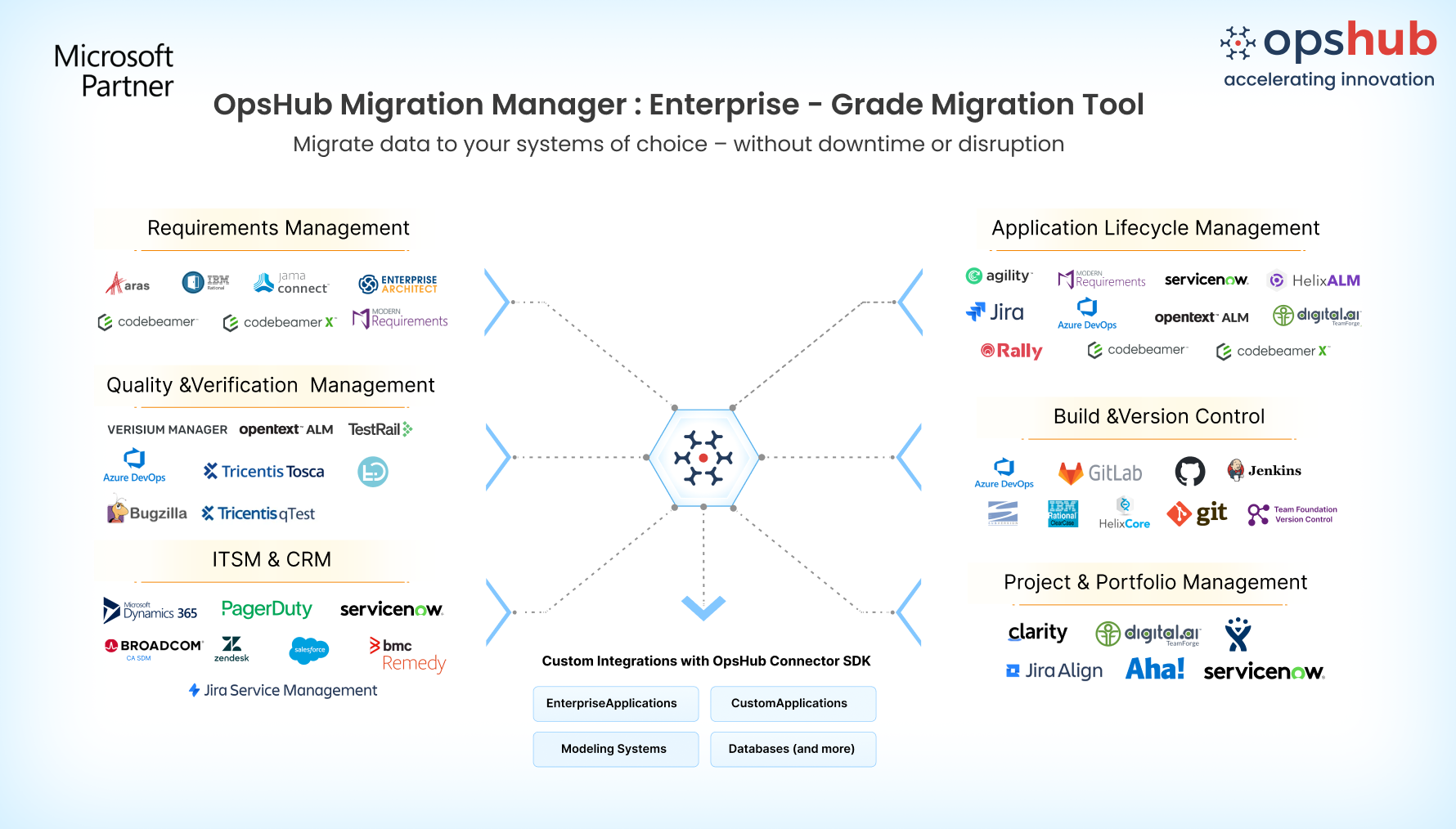
For this walkthrough, we will use OpsHub Integration Manager (OIM). OpsHub Integration Manager is an enterprise-grade integration platform designed to connect Jira, Zendesk, Azure DevOps, ServiceNow, Salesforce, and many other business-critical systems.
Unlike many Jira Zendesk connectors that focus primarily on ticket linking, OIM enables two-way, rich data synchronization across tickets, issues, comments, attachments, custom fields, workflows, and relationships while allowing teams to continue working in their preferred applications.
OIM helps organizations:
- Synchronize tickets and issues in real time.
- Preserve customer context across systems.
- Maintain traceability throughout the issue lifecycle.
- Support enterprise governance requirements.
- Scale across multiple teams and projects.
- Reduce manual effort and duplicate work.
Step-by-step Zendesk Jira integration using OpsHub Integration Manager (OIM)
Prerequisites
Before starting the integration:
- Install and configure OpsHub Integration Manager (OIM).
- Ensure administrator access is available for Zendesk and Jira.
- Generate required API credentials.
- Validate connectivity between systems.
- Review system-specific prerequisites.
Step 1.1: Configure the Zendesk system
After logging into OIM:
- Navigate to Configure Systems.
- Click the + icon.
- Select Zendesk from the supported systems list.
- Enter the required connection information.
- Test the connection.
- Save the configuration.
Typical configuration details:
- Zendesk URL
- API token
- Authentication credentials
- Connection settings
Step 1.2: Configure the Jira system
Next:
- Add another system configuration.
- Select Jira from the supported systems list.
- Enter Jira connection information.
- Validate connectivity.
- Save the configuration.
Typical configuration details:
- Jira URL
- API token
- User credentials
- Authentication settings
Step 2: Create a new integration
Navigate to:
- Configure Integrations to New Integration
Select:
- Zendesk as the source system.
- Jira as the target system.
- Configure the integration for bidirectional synchronization.
Step 3: Configure issue and ticket mappings
Define how Zendesk records map to Jira records. Examples include:
| Zendesk | Jira |
| Ticket | Issue |
| Incident | Bug |
| Service Request | Task |
| Problem | Story |
Step 4: Configure field mappings
Map fields between both systems. Common mappings include:
- Summary
- Description
- Status
- Priority
- Assignee
- Reporter
- Components
- Labels
- Custom fields
Step 5: Configure comments and attachments synchronization
Enable synchronization for:
- Public comments
- Internal comments
- Attachments
- Screenshots
- Supporting documentation
This ensures customer context is available throughout the issue lifecycle.
Step 6: Configure workflow and status mappings
Map Zendesk statuses to Jira statuses. Example:
| Zendesk Status | Jira Status |
| New | To Do |
| Open | In Progress |
| Pending | Waiting for Information |
| Solved | Done |
| Closed | Closed |
Step 7: Configure synchronization rules
Define:
- Which tickets synchronize.
- Which projects participate.
- Synchronization frequency.
- Routing rules.
- Business conditions.
Step 8: Test the integration
Before production deployment:
- Create test tickets in Zendesk.
- Verify Jira issue creation.
- Update statuses in both systems.
- Validate comment synchronization.
- Verify attachment transfer.
- Test custom field mappings.
Step 9: Deploy and monitor
Once testing is complete:
- Activate integration.
- Monitor synchronization activity.
- Review logs and dashboards.
- Resolve issues proactively.
- Optimize mappings as requirements evolve.
Common Zendesk Jira integration use cases
Organizations commonly integrate Zendesk and Jira to support:
- Customer-reported bug escalation
- Product enhancement requests
- Incident management
- Service request fulfillment
- Customer feedback tracking
- DevOps and support collaboration
- Cross-functional visibility between support and engineering teams
For many organizations, the goal is simple: create a shared source of truth without forcing support teams and engineering teams to leave the tools they use every day.
Closing
Zendesk and Jira serve different purposes, but both are essential to delivering exceptional customer experiences.
Without integration, teams often struggle with duplicated work, delayed communication, and fragmented visibility.
A bidirectional Zendesk Jira integration eliminates these challenges by enabling real-time synchronization, stronger collaboration, and complete traceability across customer support and software development workflows.
Whether you’re evaluating the native Zendesk Jira integration, marketplace connectors, or an enterprise integration platform, choosing the right architecture is critical for long-term success.
Frequently asked questions
Q1. Can Zendesk and Jira be integrated in both directions?
Ans 1) Yes, Zendesk and Jira can be integrated in both directions using a bi-directional integration approach. This allows updates made in Zendesk, such as ticket comments, status changes, or attachments, to automatically sync with Jira issues, and vice versa. Bi-directional sync helps maintain consistent information across both systems and ensures that support and engineering teams always work with the latest data. You may refer to this zendesj-jira listing for more information.
Q2. What is the best way to integrate Zendesk with Jira for enterprise teams?
Ans 2) Enterprise teams typically use either marketplace apps or dedicated integration platforms to connect Zendesk and Jira. Enterprise integration platforms like OpsHub Integration Manager (OIM) are commonly used when organizations need scalable, secure, and bidirectional synchronization across tickets, issues, comments, attachments, and custom fields. It’s no-code integration setup needs no technical expertise.