
OpsHub Integration Manager

No-code integration platform for rich bi-directional sync

OpsHub Migration Manager

Zero downtime migration to tool of your choice

OpsHub Archive Manager

Keep Historical Data, Without Slowing Down Your Tools

OpsHub Migrator for Microsoft Azure DevOps

Migrate or restructure Azure DevOps

OpsHub Data Bridge

Real-time, context-rich data lake for AI or analytics

Discover our story, vision, and impact.

By Domain

Software Development & Agile Engineering

No-code integration across teams and systems

IT Service Management & Customer Support

Enable collaboration between IT, support, and business teams

Product Lifecycle Management & Systems Engineering

Connect PLM & engineering teams for smarter products

Requirements Management for Regulated Industries

Ensure regulatory compliance from start to release

Blogs

Explore the latest in technology best practices

Case Studies

Success stories from the field

White Papers

Actionable insights for your business challenges.

Videos

See solutions in action

EBooks

Learn, plan, and execute with confidence

Press Releases

Official announcements and updates

Webinars

Join discussions that drive results

News Letters

Stay ahead with curated insights

Compare

See side by side comparison

OpsHub Migration Manager (OMM)

The only platform built for risk-free migration without downtime

OMM moves entire data history and full context including comments, files, links, embedded images, and @mentions across ALM, PLM, ITSM, DevOps, and CRM tools. Zero downtime, full data fidelity, risk-free validation, and built-in recovery keep teams productive and ensure migrations success.

Schedule a 30 minutes Demo with our Migration Expert

Common use cases

From simple project moves to complex cross-platform consolidations, OMM is built for every enterprise migration scenario.

Migrate to any tool

Migrate to Jira

Migrate to Azure DevOps

Migrate to ServiceNow

500+

Enterprise Migrations

1B+

Work items Migrated

0

Downtime

70+

Tool Supported

How it works

From legacy system to modern platform

OMM structures your migration into a clear, auditable process, so every stakeholder knows what's happening and why.

Understand Your Data

Using OpsHub’s in-house data discovery utility, we identify all entities in your source environment - work items, test assets, pipelines, attachments, and relationships before a single record moves.

Decide what moves and what needs transformation

Define what moves, what gets archived via OpsHub Archive Manager, and what needs transformation. Migration is an opportunity to fix what wasn't working. OMM restructures process templates, hierarchies, and workflows as part of the process.

Validate Before You Commit

Migrate a small project as a feasibility check. OMM's delta and reverse sync keep both systems in sync throughout. If the target doesn't fit, revert with no data loss. Risk-free validation before full-scale migration.

Migrate data with full context

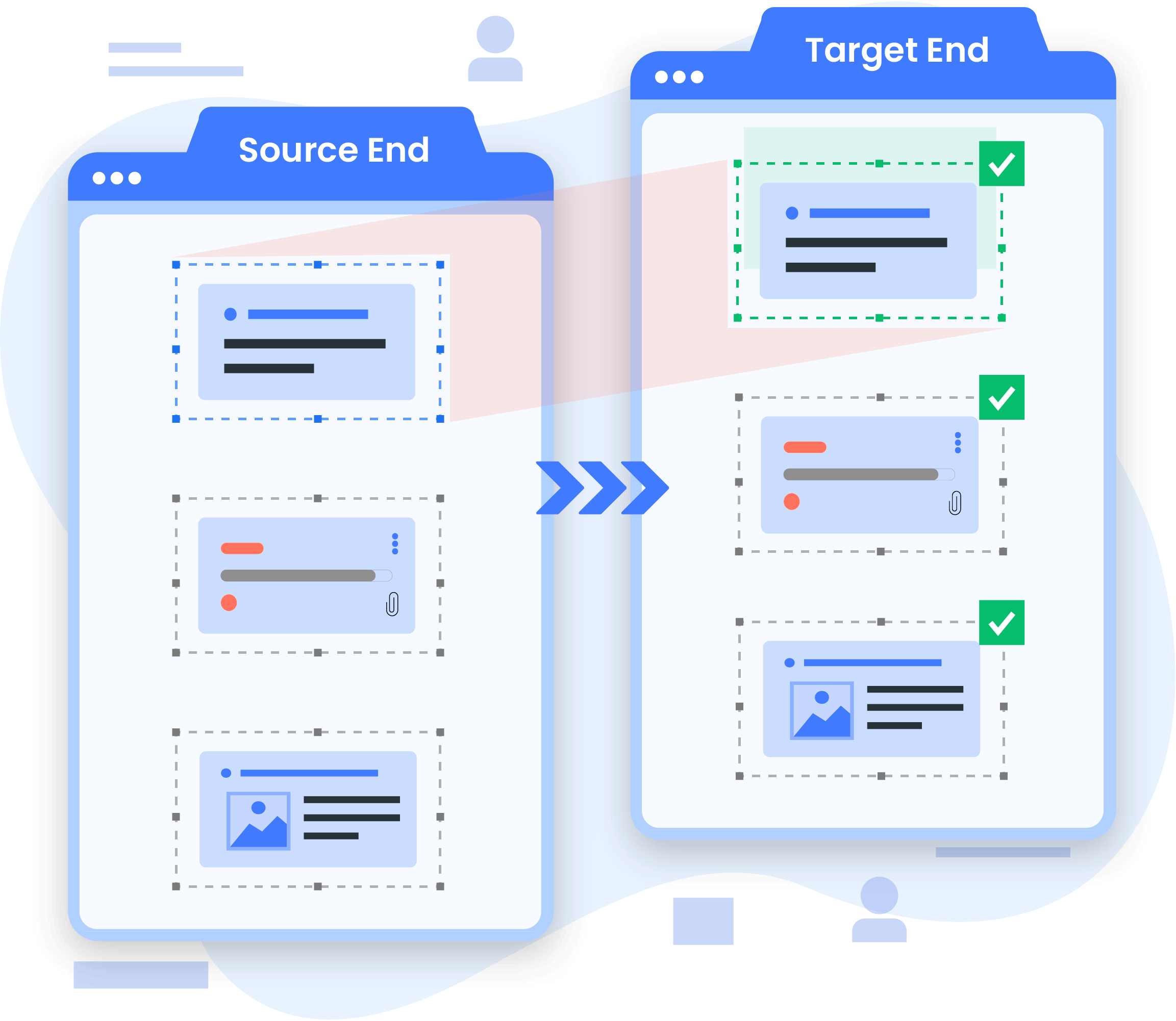
OMM executes the full migration with complete data fidelity - attachments, history, relationships, and custom fields intact. Track progress in real time and recover from any failure without re-running completed work.

Land on a Modern System

The final challenge is rarely technical, it's people. OMM keeps source and target in sync until every team is ready, giving organizations full control over when the cutover happens.

Built for Enterprise-Scale Migration

Every capability in OMM is designed to eliminate the reasons migrations fail at scale. 

Zero Downtime Migration

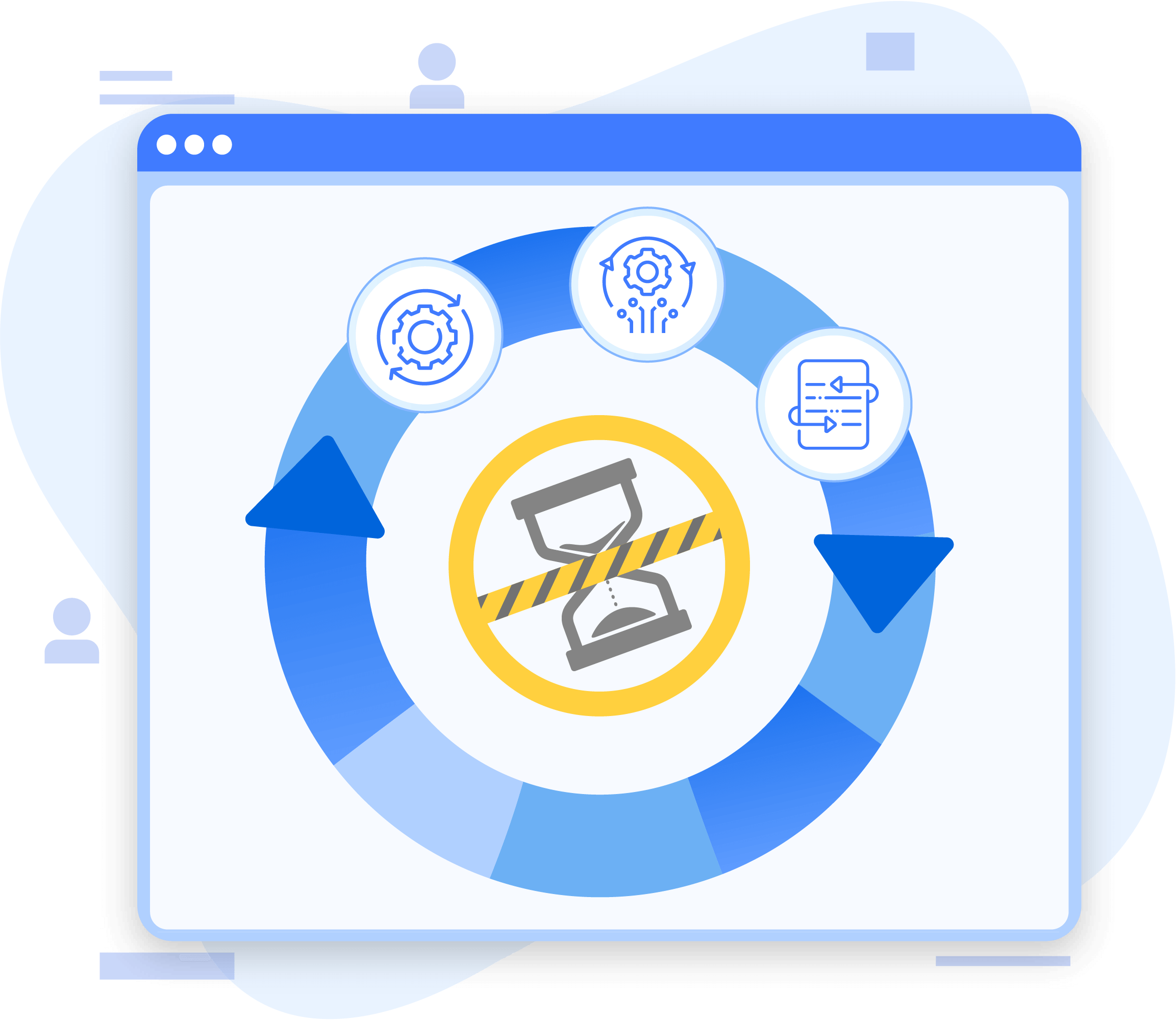
Keep both source and target systems live throughout the migration. Teams continue working without interruption while data moves in the background.

Live System Migration

Zero disruption. Your teams keep working as OMM migrates data silently in the background- no freezes, no maintenance windows, nothing stops.

Risk-Free Validation

Validate your target tool with a trial migration. Revert with no data loss if it doesn't fit.

Archive out-of-scope data

Move out-of-scope data to OAM before migration. Fully accessible via a read-only ALM-like interface.

Transform as you migrate

Restructure process templates, hierarchies, and workflows during migration, leave outdated configurations behind.

Full Data Fidelity

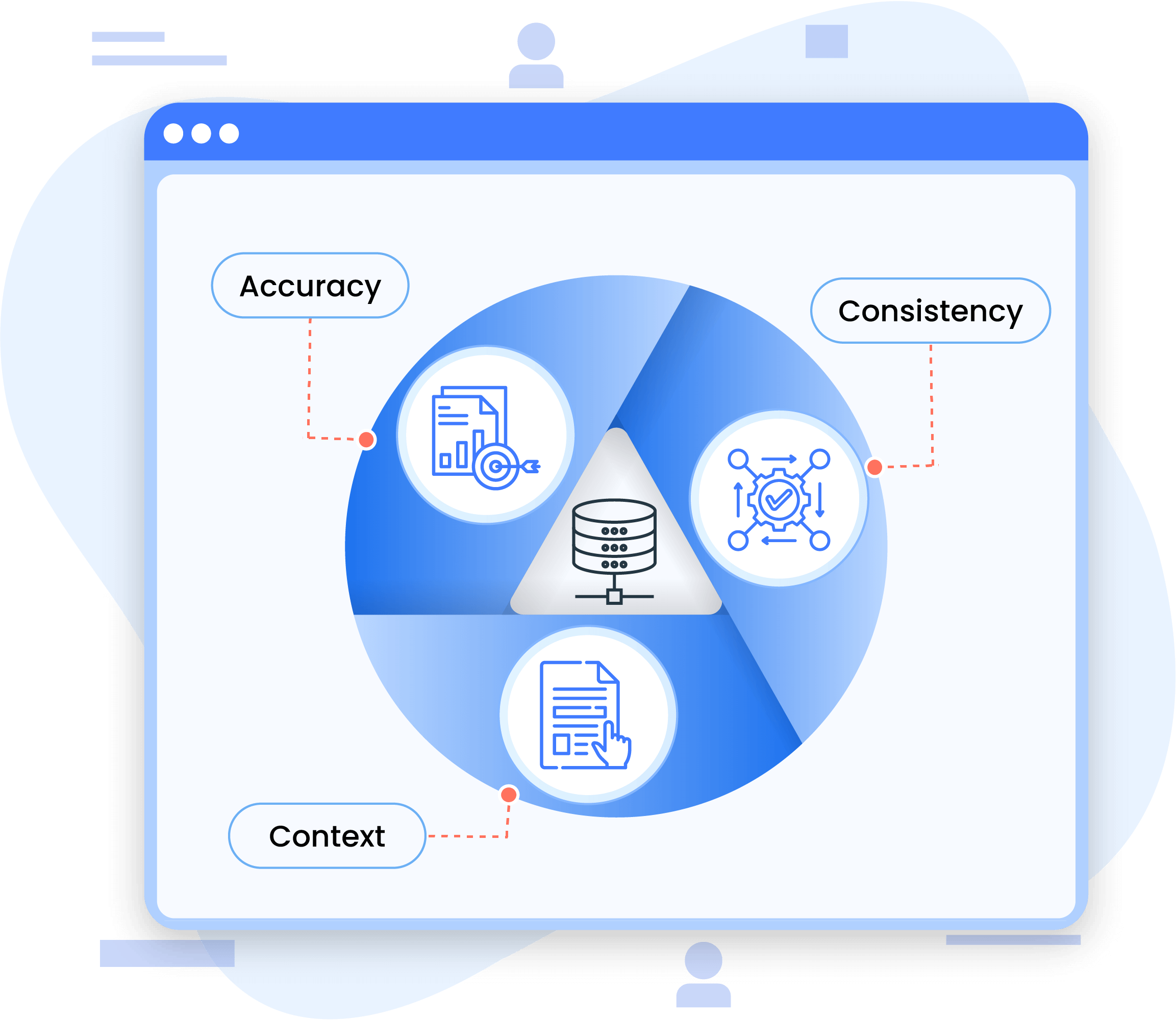
Every attachment, link, comment, history entry, and custom field migrates intact. Your data arrives complete.

Failure Recovery

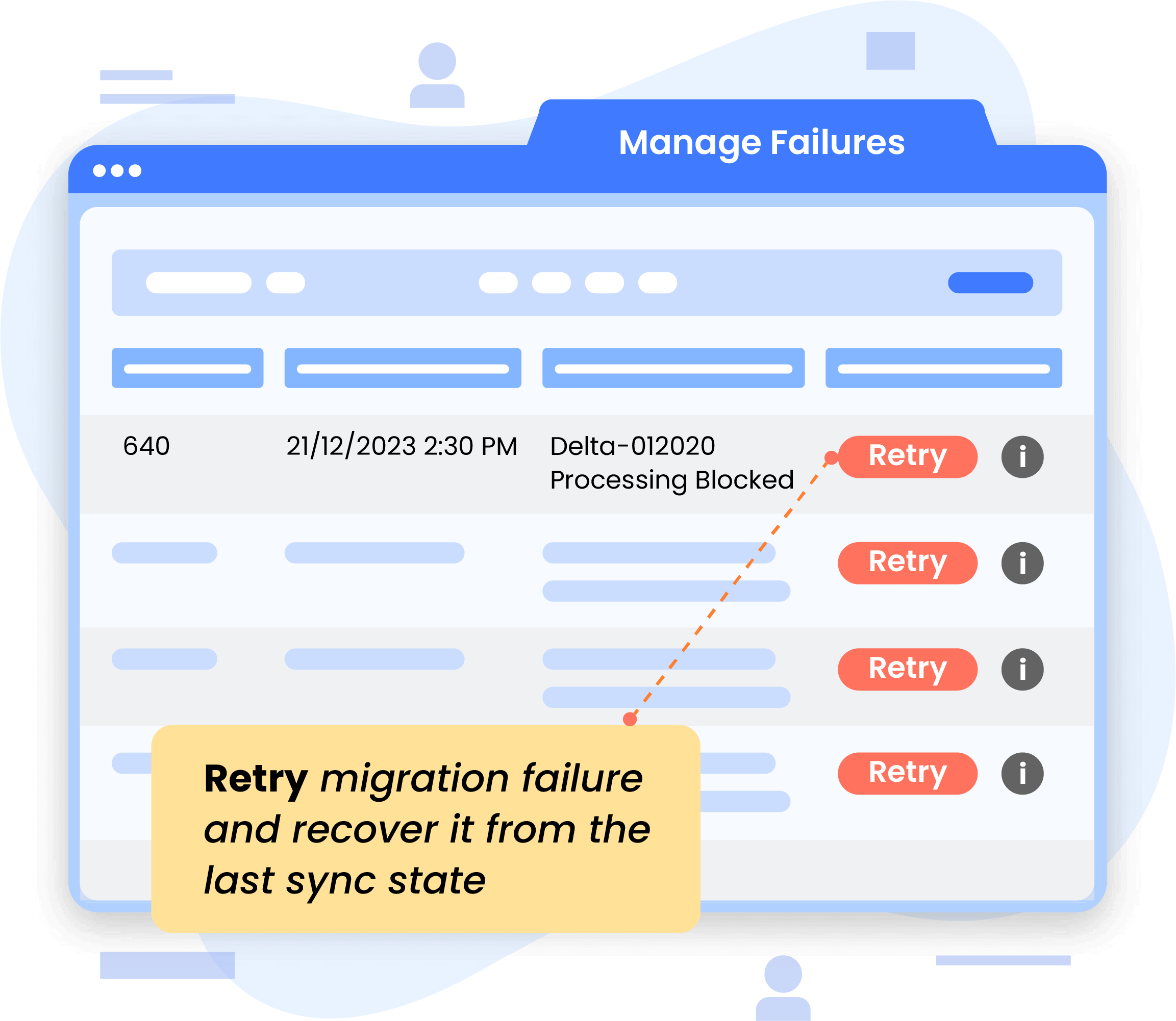
Built-in robust recovery mechanism keeps migrations on track. Restart from any point, reconcile errors when needed, and view all failures directly in the UI, without scanning through log files.

Parallel Migration

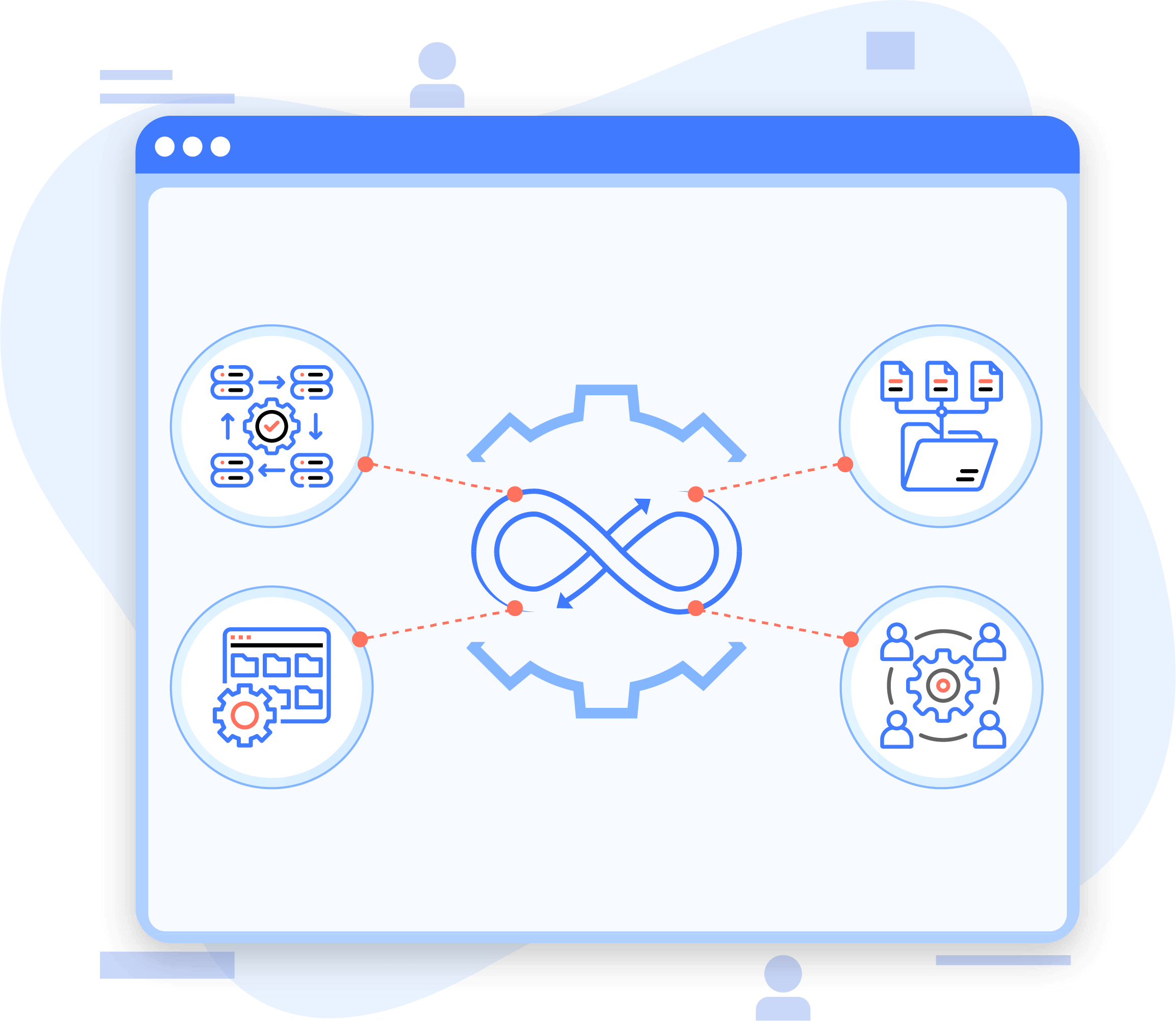
Migrate multiple projects or entities simultaneously, reducing total migration time for large portfolios.

Approach vs. Risk

Hidden cost of operational down time, incomplete and missing data

Most migration failures happen before a single record move – wrong tool choice, underestimated complexity, or gaps discovered too late to recover cleanly.

Approach Native Vendor Tools CSV Export / Import Custom Scripts OpsHub Migration Manager
Operational Downtime
✖ High – planned downtime windows required
✔ None
✖ High – unpredictable
✔ Zero – teams keep working

Data Fidelity

✔ High – within same ecosystem
✖ Low – history, attachments, links and context lost
✖ Inconsistent – depends on script quality
✔ Full – attachments, history, relationships intact
Failure Recovery
✖ None – restart from scratch
✖ None – no mechanism to recover
✖ None – may break mid-migration
✔ Built-in recovery. Resume from any point

Why Most Migrations Don't Go as Planned

Every migration approach comes with a trade-off, and most enterprises only discover it mid-migration, when the cost of changing course is high.

Native tools demand downtime. CSV exports lose context. Scripts break under complexity. Staying on legacy tools compounds risk over time.

OpsHub Migration Manager is designed for risk-free migration. Systems stay live, data arrives complete, and built-in recovery means no failure requires starting over. Validate before committing, revert if needed, cut over when ready.

What our customers say

Frequently Asked Questions

Answers to the questions enterprise buyers ask most often before choosing a migration platform.
Can OMM migrate data from tools like Rally, HP ALM, and IBM DOORS to Jira, Codebeamer, Azure DevOps, or other ALM platforms?

Yes. OMM supports migrations across a wide range of ALM and engineering lifecycle platforms, including Rally, HP ALM, IBM DOORS, Jira, Codebeamer, and Azure DevOps. It enables organizations to migrate entities, relationships, attachments, history, and traceability with high fidelity while minimizing manual effort, reducing disruption to teams, and supporting continuity throughout the transformation process.

Can OMM handle Jira to Azure DevOps or Azure DevOps to Jira migrations?

Yes. Jira to Azure DevOps and Azure DevOps to Jira are among the most common enterprise migration scenarios OMM handles. OMM’s auto-mapping engine maps work items, fields, and workflows between the two platforms, with custom mapping available for evolving process templates.

We are migrating from Jira Data Center to Jira Cloud. Can OMM help?

Yes. OMM handles Jira Data Center to Jira Cloud migrations without disrupting active sprints or losing project data. Teams continue working in Data Center while OMM migrates data in the background, with delta sync keeping both environments aligned until cutover.

What is legacy ALM modernization and how does OMM support it?

Legacy ALM modernization is the process of evolving outdated project and lifecycle management systems into modern environments that better support today’s engineering, collaboration, governance, and compliance requirements. OMM supports this transformation by enabling organizations to migrate data, workflows, and traceability relationships from legacy ALM platforms while preserving historical context, minimizing operational disruption, and preventing outdated configurations and inefficient processes from being carried forward into the modernized ecosystem.

Is OpsHub Migration Manager more cost-effective than other migration approaches?

When factoring in the full cost of migration, OMM consistently delivers a lower total cost. Native tools require planned downtime that disrupts operations. CSV exports lead to data loss and rework. Custom scripts break and need ongoing maintenance. OMM eliminates these hidden costs through a controlled, predictable migration process, one that succeeds the first time.

How long does an enterprise migration take with OMM?

Migration timelines vary based on data volume, toolchain complexity, and scope of transformation. OMM’s parallel migration capability allows multiple projects to migrate simultaneously, significantly reducing total migration time. OpsHub’s consultative approach ensures scope is clearly defined upfront, avoiding delays caused by mid-migration surprises.

Ready to Migrate Without the Risk?

Schedule a free 30-minute live demo with our migration experts and see OMM in action

Trusted by 500+ enterprises across finance, defense, healthcare, and technology.