Hybrid and cross-domain teams today use a variety of best-in-class tools that are designed to make their work easier, automated and intuitive. For example, the popular issue and work management tool from Atlassian, Jira is widely used by agile teams for its in-built support for the iterative paradigm of development and testing. In addition, Jira’s robust workflow mapping and issue-tracking capabilities make it the preferred choice across various industries globally.
However, stakeholders such as product managers, QA leads, or business analysts often use specialized off-the-shelf solutions that serve their needs better. This leads to a fragmented tool ecosystem impacting visibility, collaboration, productivity, traceability, and data integrity across the value chain. How can teams continue to fully leverage the flexibility and benefits of Jira while continuing to seamlessly collaborate with other members of the team using different tools?
Here are some examples of how you can extend Jira’s capabilities by integrating it with some of the most requested DevOps and Agile tools to foster collaboration, transparency, and traceability throughout the federated value chain.
Integrating Jira with Requirements Management Tools
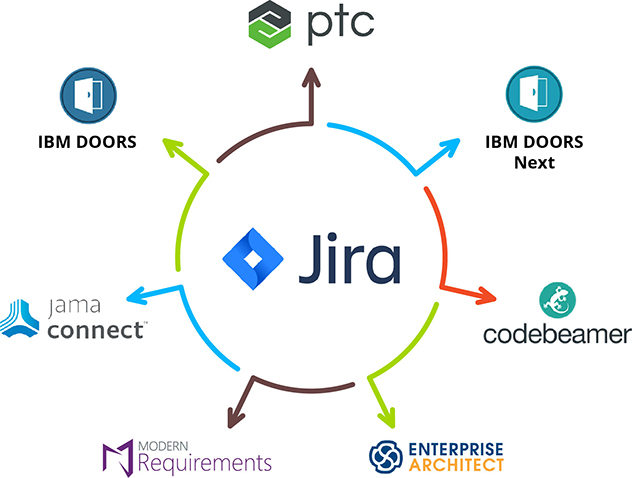
Requirements management tools like IBM DOORS, IBM DOORS Next, R4J, Windchill RV&S, Modern Requirements, Jama Connect, Blueprint Storyteller, etc., help capture and manage the project requirements and supporting artifacts, comments, changes, and approvals. By integrating Jira with popular requirements management software, updates in requirements management tools are typically mapped to the related Epics, Features, Capabilities and User Stories in Jira. Thus, it enables development teams to break down the requirements into tasks and get real-time updates if there are changes in priorities or requirements.
How integrating Jira and requirements management tools benefits your teams: - Complete requirements traceability throughout the development lifecycle
- No manual dependency for synchronizing data or checking status
- Full context of business requirements and real-time updates of changing priorities
- Accelerated speed of delivery
Watch this video to see how Jira integrates seamlessly with Jama Connect
Integrating Jira with ITSM and CRM tools
IT Service Management tools play a significant role in capturing customer requests that may turn out to be problems, change requests or enhancement requests. Accurately synchronizing this problem, change or enhancement tickets with Jira enables teams to prioritize critical requests, remove redundant issues and respond swiftly to similar requests by sharing the progress of these ‘known’ requests.
Integrating Jira and ServiceNow enables full transparency and traceability between customer service and development teams to resolve high priority requests faster and communicate effectively in real-time.
How integrating Jira and ServiceNow improves customer experience: - Access to real-time and historical data on customer issues and priorities
- Communication on work items from native systems
- Prompt action on the most critical issues
- Easy classification and transfer of customer tickets into Jira
Integrating Jira with other ALM tools
In many organizations, each development team uses a different set of best of breed tools for issue tracking and work execution. As a result, the need for integration becomes more prominent.
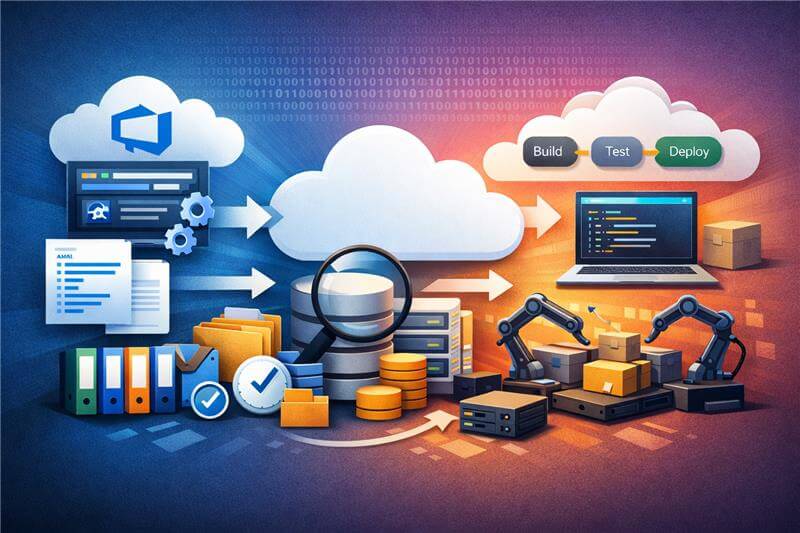
For instance, a team developing a microservice using a .NET environment may choose to use Azure DevOps Services for managing its work while the other development teams work with Jira. In addition, cross-functional dependencies require visibility into the data distributed across tools and projects.
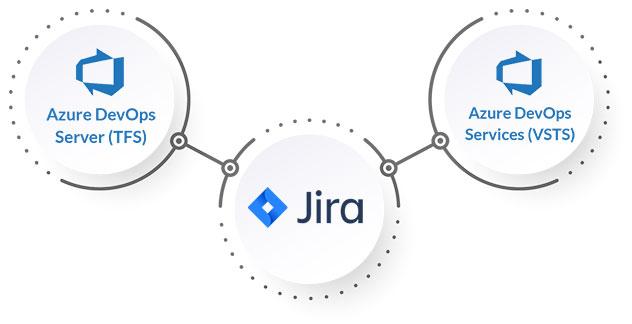
Bidirectional integration of Jira with Azure DevOps (Services / Server) can enhance collaboration between cross-functional teams to enable faster decisions and release high-quality products. Additionally, integrating Azure DevOps with Jira organizations can benefit from complete visibility into the precise feature requirements and real-time access to changing priorities and deadlines.
Benefits of Jira integration with Azure DevOps Server (TFS) and Azure DevOps Services (VSTS): - Traceability and transparency throughout the ALM toolchain
- Real-time status update and access to development plans and progress
- Clarity into quality parameters and metrics from within Jira
- No manual dependencies for making business decisions
Integrating Jira with Quality Management and Verification tools
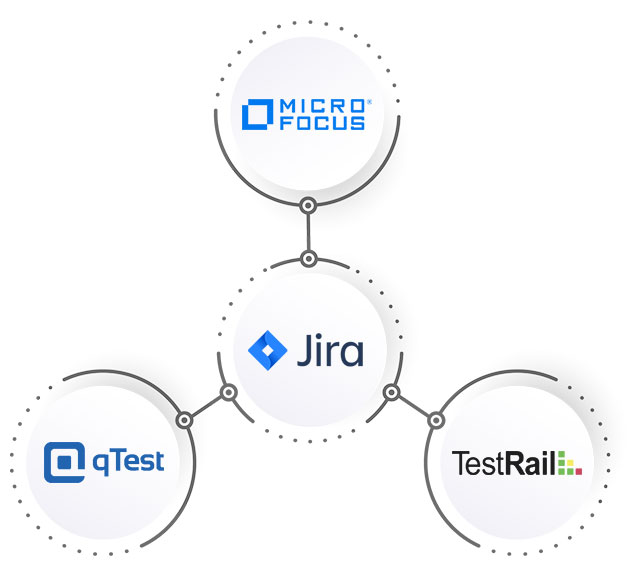
Integrating Jira software with test management tools facilitates the bidirectional flow of artifacts between development and testing teams. Teams working in Jira and a quality management tool such as OpenText ALM or qTest Manager, or TestRail often need to share information across tools.
Cross-functional collaboration can be expensive, time-consuming, and even error-prone if carried out manually. Setting up bidirectional integration between Jira and OpenText ALM (Formerly known as Micro Focus ALM) or any other quality management tool helps development and quality assurance teams collaborate effortlessly with data synced into their preferred system in real-time.
Integrate Jira and OpenText ALM to empower your teams:
- Real-time updates on the status of User Story, delivery timelines, and risks associated with a release candidate
- Access to QA plans and bugs in real-time
- Insights into the test processes, test plans, and test suites
- Automated mapping of stories to requirements, defects to defects, iterations to releases across Jira and OpenText ALM
- Improved collaboration between development and QA teams
The cross-team visibility created by integrating Jira with quality management tools ensures that the product’s planning, development, and quality checks are thorough.
Similarly, you can enhance cross-functional traceability and ensure complete functional verification by integrating Jira with a verification tool such as Verisium Manager (Formerly known as vManager). Verification teams leveraging a tool like Verisium Manager can sync the latest requirement changes from Jira. Verification tests are mapped to Jira, and verification engineers run analysis and compute grade results for a session. The bi-directional sync improves collaboration, quality assurance, and management of System on Chip verification.
To understand the flow of information between Jira and Verisium Manager, watch this video
Integrating Jira with Value Stream Management tools
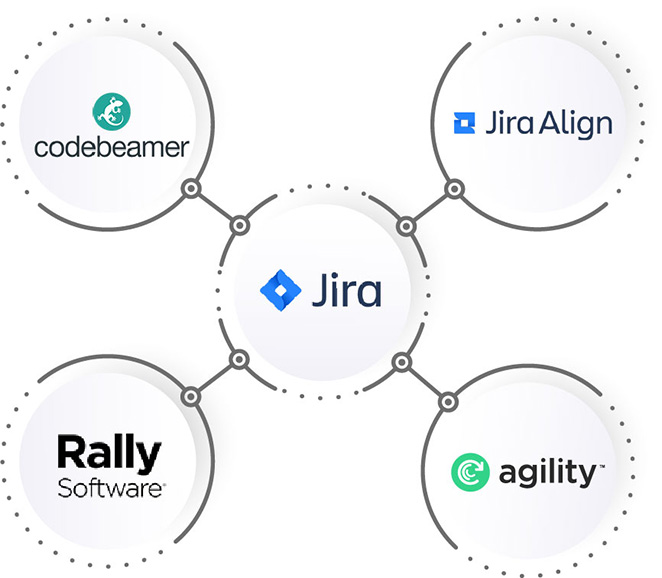
You can integrate Jira with Jira Align, Rally, Digital.ai Agility or any other tool in your value stream to visualize your entire value chain. This helps you to track the information from end-to-end throughout your project, portfolio management and agile planning solutions.
Enhance your development speed with greater visibility, collaboration and insights across the tool chain. Integrating Jira with the rest of your value stream helps product owners, portfolio managers and developers to work effectively on the capabilities, stories and epics to prioritize.
Benefits of integrating Jira with Jira Align, Rally or Agility - Access to user stories and updates from within Jira
- Traceability for user stories across teams
- Full context of customer requirements and priorities
- Accurate decomposition of capabilities into Epics
- Visibility into real-time status updates and transparency into the agile workflow
Selection criteria for an integration solution
What type of integration best practice you must follow and how to select the ideal solution to integrate Jira with the rest of your toolchain?
- Seamless, real-time and bi-directional integration
- Ability to integrate projects and entities with full context and history
- Failure management and conflict resolution
- Complete transaction history
- Full traceability across systems with no data leakage
- Deployment flexibility (Cloud or On-Premise)
Consolidating and integrating your Atlassian ecosystem
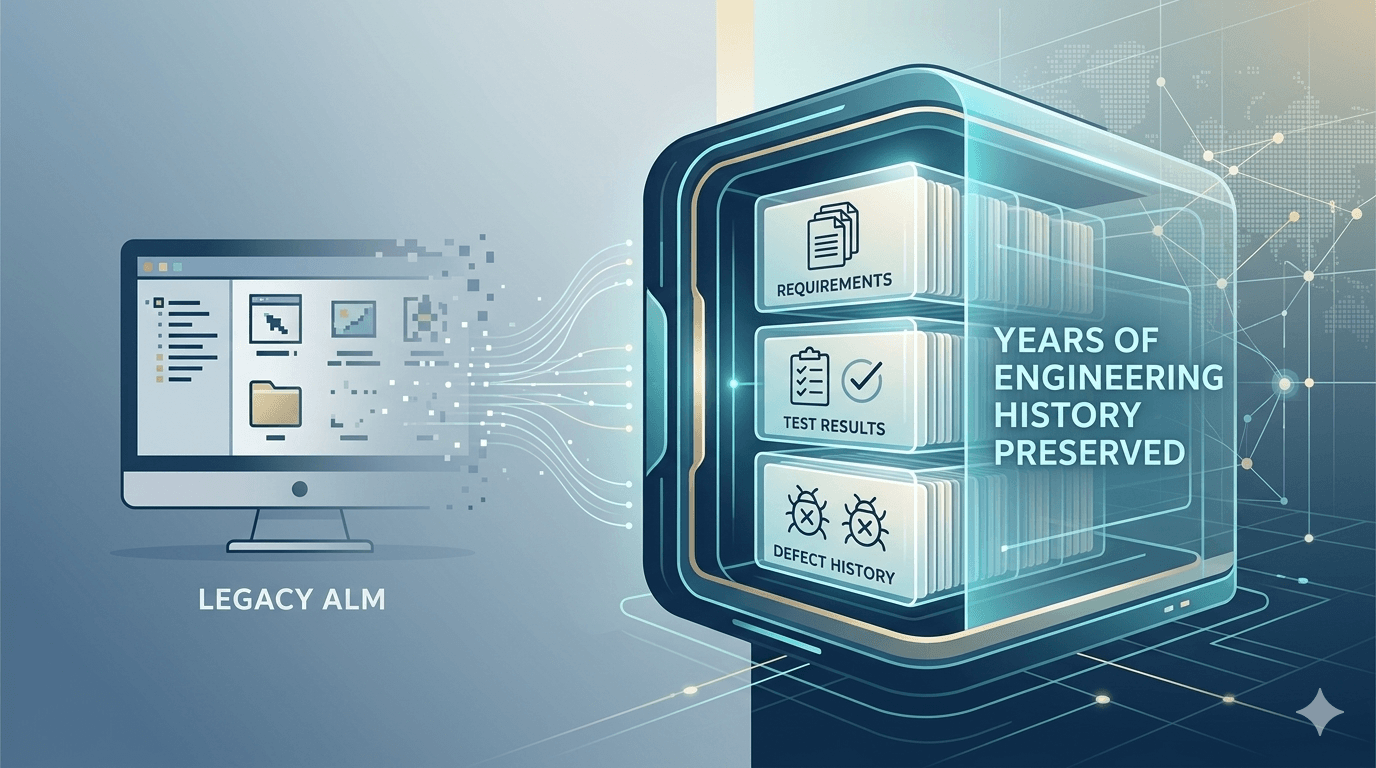
Users of Jira often prefer to work within the Atlassian ecosystem, leveraging either multiple instances of Jira or products such as Jira Align and Jira Service Management. Digital transformation demands greater visibility and collaboration between multiple teams using different Jira instances or Atlassian tools. Whether it is Jira cloud migration, consolidating disparate Jira instances or integrating Jira with other Atlassian tools or plugins, a robust integration/migration approach is required to ensure high-data fidelity and zero downtime in these consolidation efforts. Learn how you can migrate to Jira, Jira Service Management or Jira Align from other ALM tools with full fidelity and zero downtime
Conclusion
Businesses today work in a heterogeneous landscape that demands transparency and visibility across their value chain. As a result, enterprises can use best-of-breed tools and enable teams to have a unified experience with a connected ecosystem that integrates data from multiple systems and makes it available to users in their preferred system.
OpsHub Integration Manager can synchronize data seamlessly across 60+ tools in the ALM ecosystem with a three-step setup and guaranteed data consistency.