The Coming Divide in Defense: Federation or Fallout Under DoDI 5000.97
Share: The defense industry is entering a pivotal phase of transformation. With the release of DoDI 5000.97, the U.S. Department of Defense (DoD) has made


No-code integration platform for rich bi-directional sync

Zero downtime migration to tool of your choice

Keep Historical Data, Without Slowing Down Your Tools

Migrate or restructure Azure DevOps

Real-time, context-rich data lake for AI or analytics
By Role
Accelerate delivery with clear insights

Accelerate delivery with clear insights

Transform smarter with a connected digital thread

Confident transitions for every enterprise change
By Initiative

Operational readiness through connected engineering

Modernize and move to cloud without disruption

Build a compliant digital thread for complex environments

Build the foundation for smarter AI
By Domain

No-code integration across teams and systems

Enable collaboration between IT, support, and business teams

Connect PLM & engineering teams for smarter products

Ensure regulatory compliance from start to release

Explore the latest in technology best practices

Success stories from the field

Actionable insights for your business challenges.

See solutions in action

Learn, plan, and execute with confidence

Official announcements and updates

Join discussions that drive results

Stay ahead with curated insights

Share: The defense industry is entering a pivotal phase of transformation. With the release of DoDI 5000.97, the U.S. Department of Defense (DoD) has made
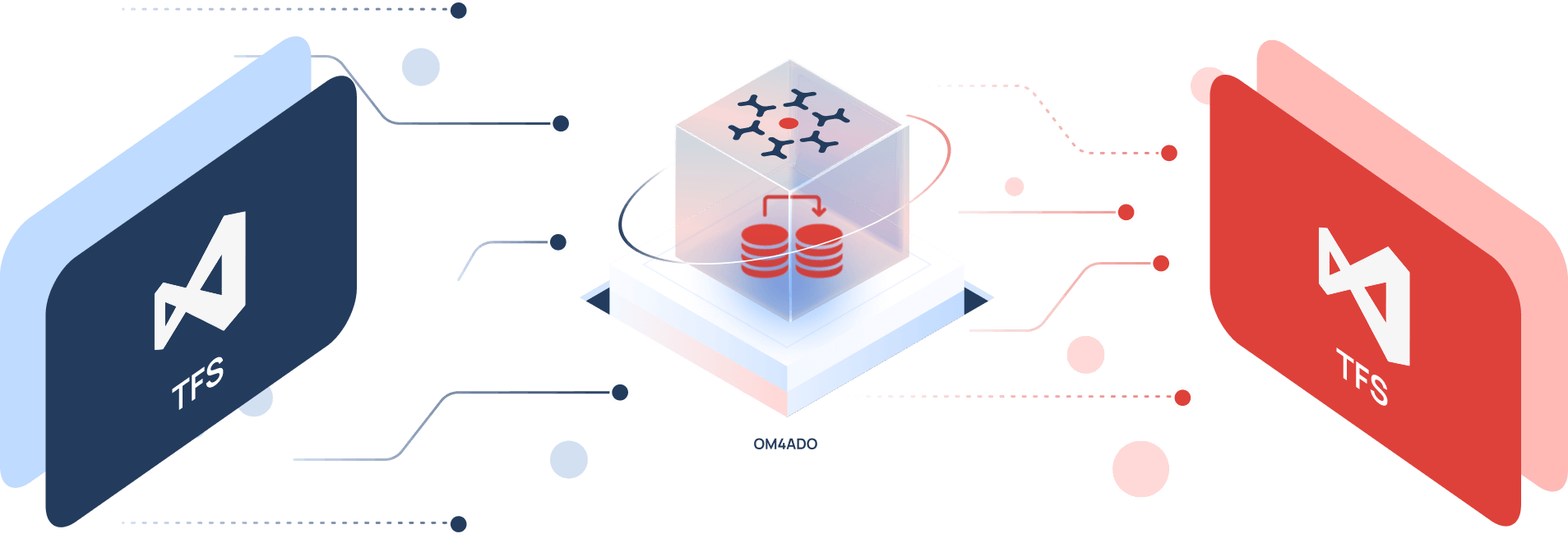
Need to move to a newer TFS or Azure DevOps Server version without going to the cloud? OM4ADO migrates your full history, work items, source code, and team setup between on-prem servers - with no downtime and no forced upgrades.
When the stakes are high; live systems, global teams, regulated environments - OpsHub is the infrastructure leading enterprises rely on.


TFS versions differ in schema and fields. Moving between versions without the right tool causes mapping errors and content loss.
Teams build custom fields and work item types over years. A mismatch in templates causes work items to fail or import incorrectly.
TFVC holds years of changesets and branch history. A file copy moves only the latest code - all change history is gone
TFS accounts are tied to Windows domains. A new server breaks Assigned To and other user fields unless accounts are remapped
A backup-and-restore requires a full server freeze. This blocks active sprints, stops pipelines, and forces a hard cutover with no validation time.
Big TFS collections have millions of revisions. Transfers without a structured approach time out, stall on edge cases, and need manual fixes.
OpsHub Migrator for Microsoft Azure DevOps executes migration as a structured, zero-risk transition & not a one-time export.
OM4ADO lets you migrate selected projects from each source instance in phases, moving what’s ready now and reducing big-bang risk.
Execute migrations in controlled waves. Move selected projects, validate, then proceed, reducing big-bang risk and aligning timelines with business priorities.
OM4ADO migrates all changesets, branch history, and labels. The new server gets a complete source code history from the very first changeset.
OM4ADO maps user accounts from source to target server. Where names match, it maps instantly. Others are imported via Excel in bulk.
Teams continue working in TFS while migration runs in parallel. Development does not stop during transition.
OM4ADO supports any TFS version from 2010 to Server 2022 and migrates to the target directly. No intermediate upgrades are needed.
Get a free 30-minute live demo with our migration experts and see exactly how the tool handles your TFS version and setup.
Link TFS or Azure DevOps server instances using secure credentials.
Select projects, repositories, and entities to migrate.
Align users, permissions, and process configurations.
Run initial migration and enable incremental sync.
Verify integrity and smoothly transition active teams.
Trusted by leaders in technology, aerospace, defence, and healthcare

Case Study Use Case: As part of a strategic restructuring, Vistrue underwent a pivotal transformation—splitting into two independent entities, Transcendent and Vistrue. This significant organizational

Case Study Successfully migrated with Zero Dataloss and Zero Downtime Overview Nexus Informatics, based in the United Kingdom and India, is a leading IT consultancy
Book a free 30-minute consultation with our TFS migration experts. We'll assess your TFS environment and design a risk-free migration roadmap.