OpsHub Integration Manager

No-code integration platform for rich bi-directional sync

OpsHub Migration Manager

Zero downtime migration to tool of your choice

OpsHub Archive Manager

Keep Historical Data, Without Slowing Down Your Tools

OpsHub Migrator for Microsoft Azure DevOps

Migrate or restructure Azure DevOps

OpsHub Data Bridge

Real-time, context-rich data lake for AI or analytics

Discover our story, vision, and impact.

By Domain

Software Development & Agile Engineering

No-code integration across teams and systems

IT Service Management & Customer Support

Enable collaboration between IT, support, and business teams

Product Lifecycle Management & Systems Engineering

Connect PLM & engineering teams for smarter products

Requirements Management for Regulated Industries

Ensure regulatory compliance from start to release

Blogs

Explore the latest in technology best practices

Case Studies

Success stories from the field

White Papers

Actionable insights for your business challenges.

Videos

See solutions in action

EBooks

Learn, plan, and execute with confidence

Press Releases

Official announcements and updates

Webinars

Join discussions that drive results

News Letters

Stay ahead with curated insights

OpsHub Migrator for Microsoft Azure DevOps (OM4ADO)

Azure DevOps Migration Tool

Schedule a free 30-minute live demo with our migration experts

Trusted by engineering teams at the world’s most demanding organizations
What enterprise teams say after their Azure DevOps migration

Success stories of those who tried, experienced, and scaled growth with OpsHub’s Azure DevOps migration tool

Extensive Version and Entity Support

Built with Microsoft - for scalable Azure DevOps migrations

OM4ADO enables high-fidelity migration across Azure DevOps environments, preserving project structure, relationships, and history. Whether migrating from Azure DevOps Server (TFS) to Azure DevOps Services or moving projects across organizations, all critical DevOps artifacts move with full context intact.

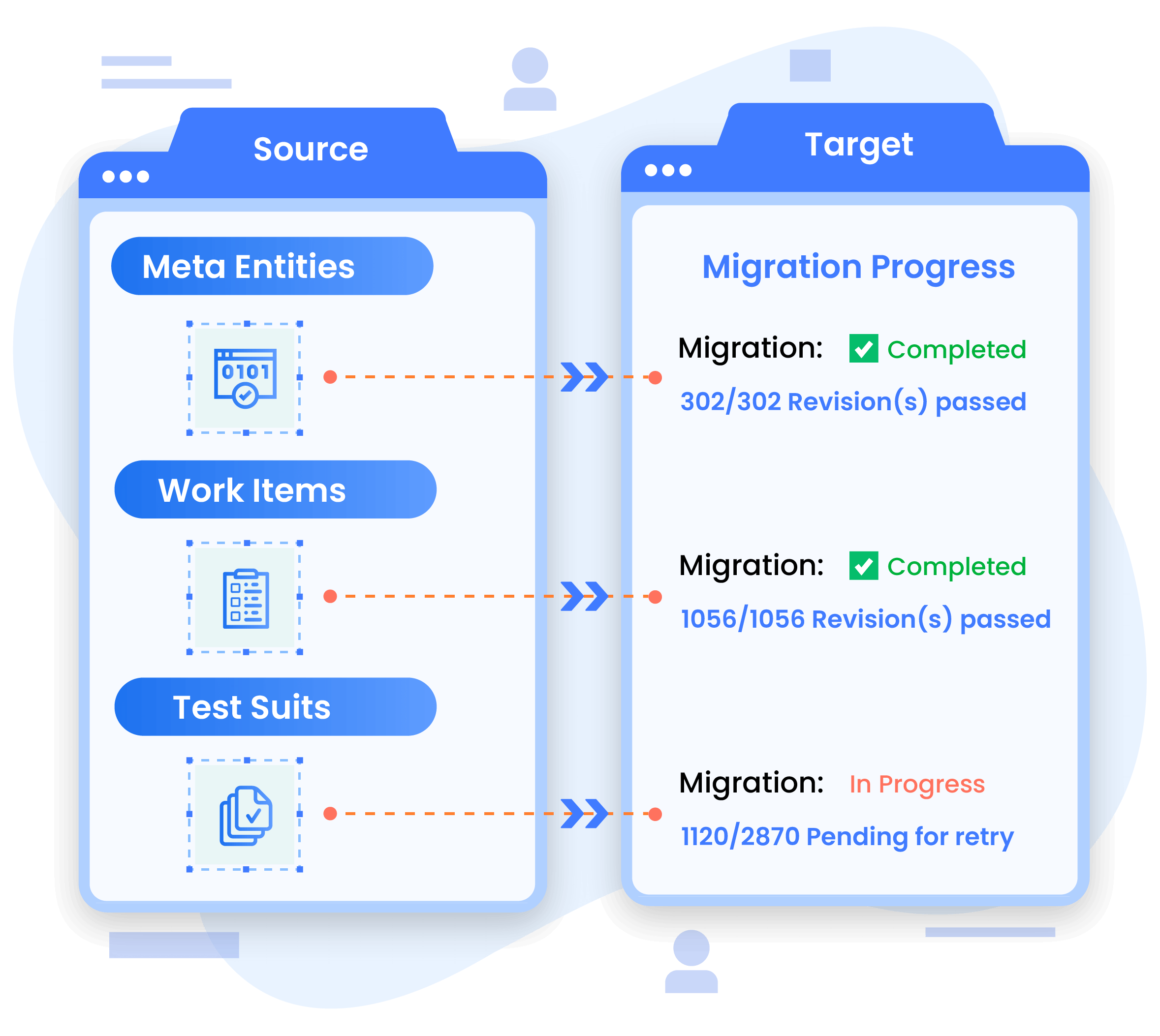
Migrates work items and test entities including Test Cases, Test Suites, Test Plans, Test Runs, and Results

Transfers TFVC repositories with complete changeset history

Migrates dashboards, queries, widgets, pipelines, permissions, groups, and teams

Supports 2010, 2012, 2013, 2015, 2018, 2019, 2020, and 2022 versions of Azure DevOps Server (or TFS)

Fully compatible with Azure DevOps Services environments

Why teams choose OM4ADO for Azure DevOps migrations

Comprehensive Azure DevOps migration coverage

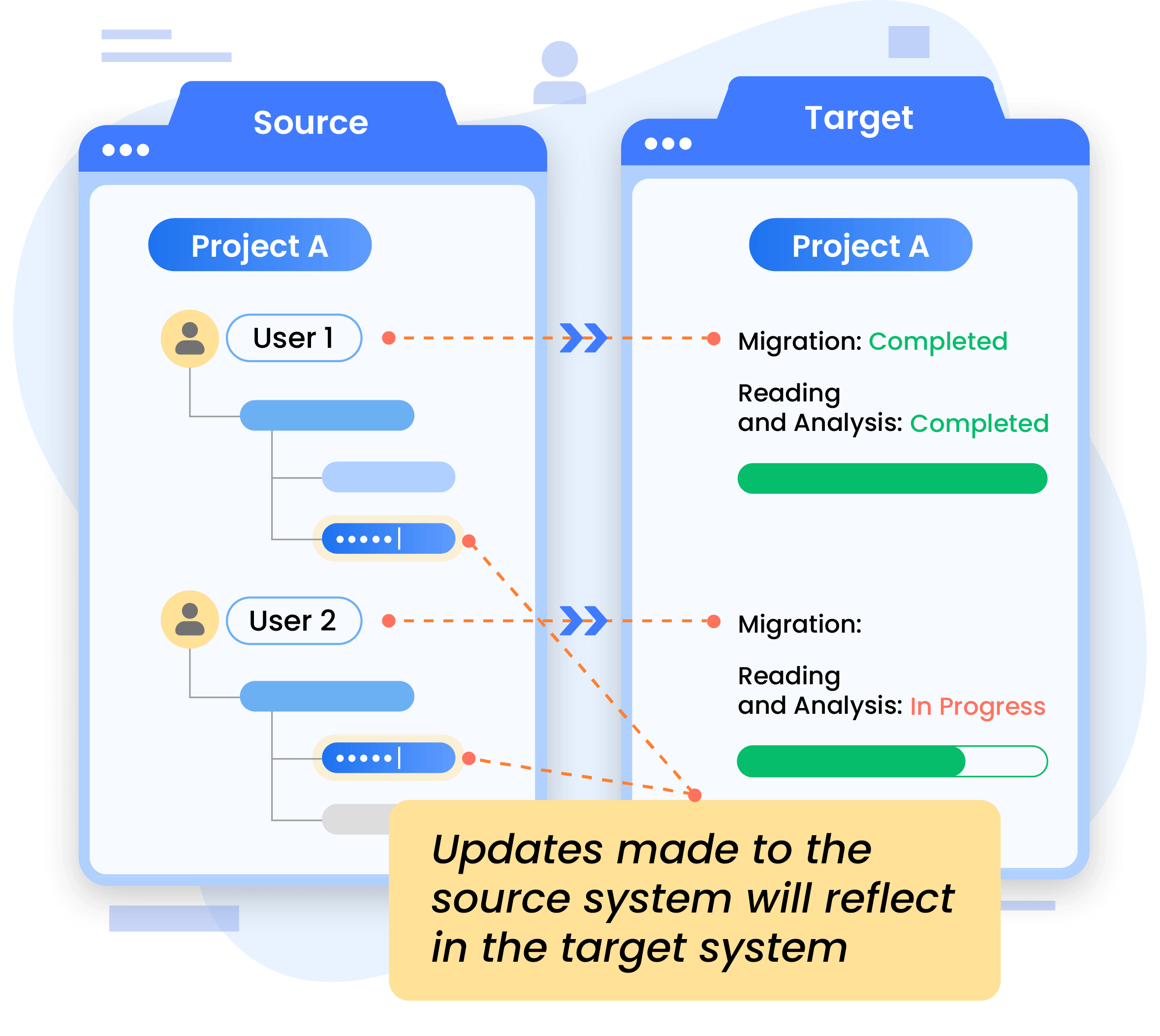
Zero downtime migration

Support for test entities and custom configurations

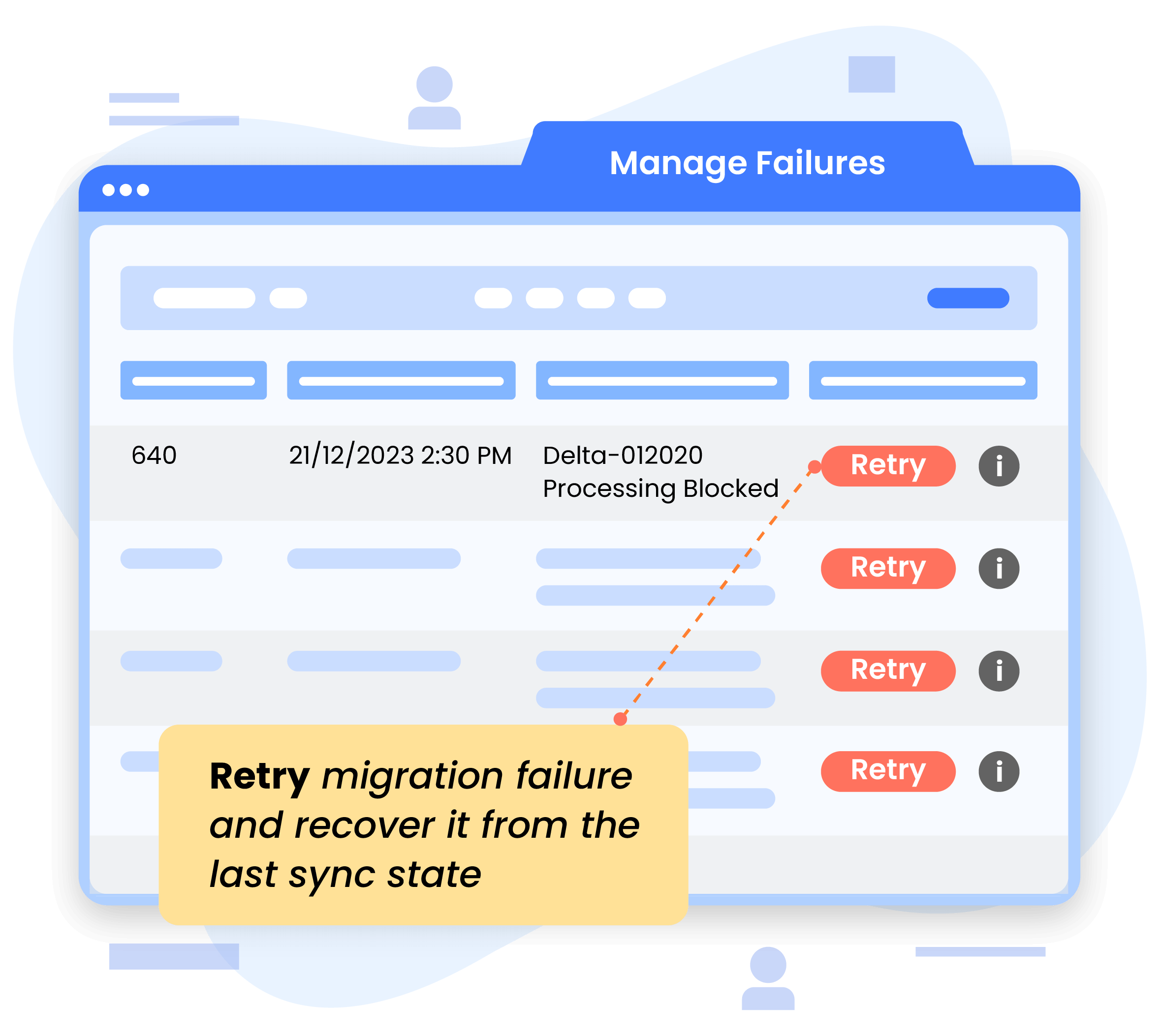
Built-in failure recovery

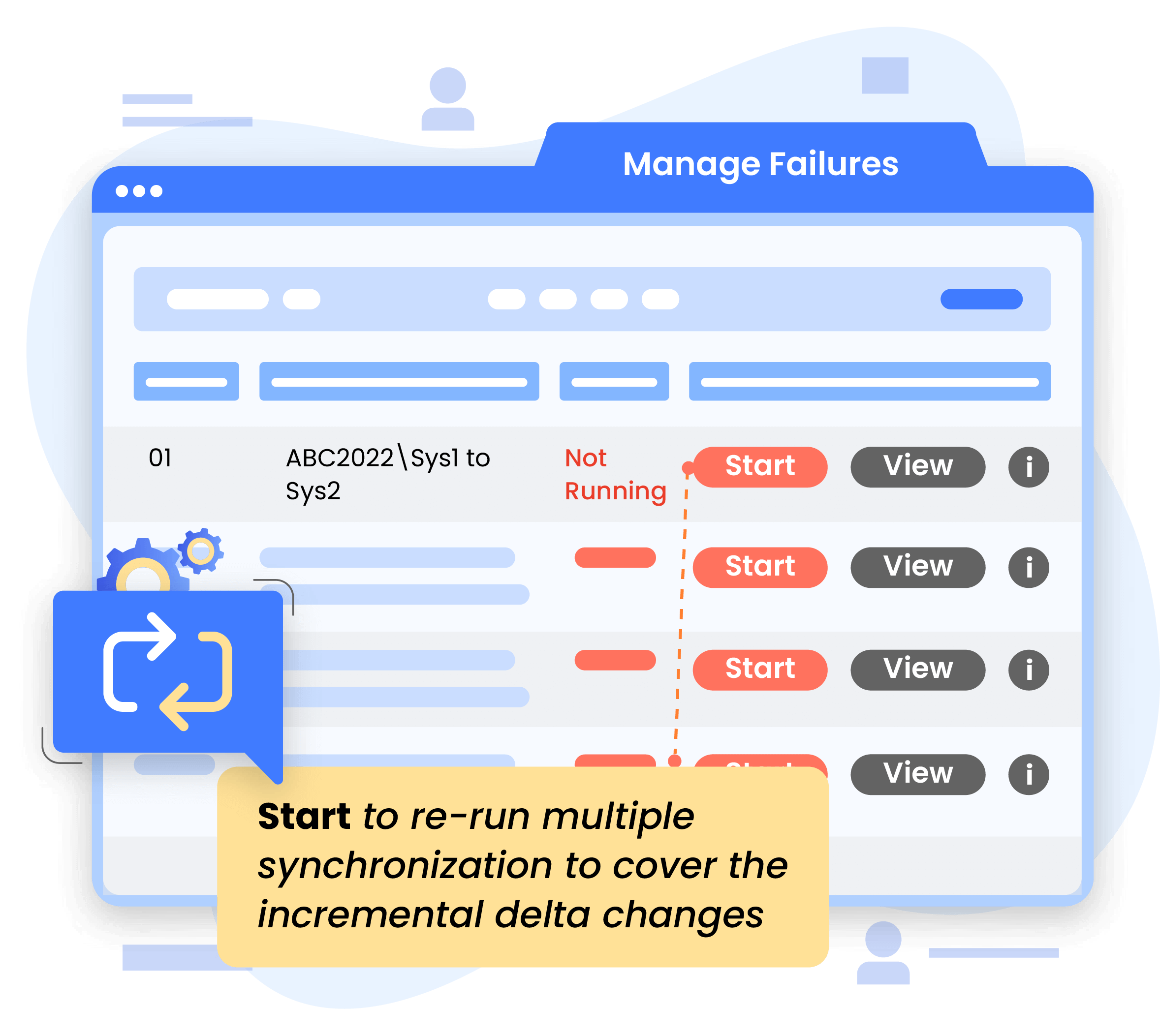
Incremental delta synchronization

Phased migration support

Plan your Azure DevOps migration with OM4ADO

Schedule a free 30-minute consultation with our migration engineer to evaluate your ADO or TFS migration scenario.

TFS to Azure DevOps migration overview

Moving from Team Foundation Server (TFS) to Azure DevOps isn’t just a system upgrade, it’s a shift in how your teams build, track, and deliver software. To migrate TFS to Azure DevOps successfully, organizations need a reliable way to transfer work items, repositories, pipelines, and historical data without disruption.

OpsHub provides a scalable TFS to Azure DevOps migration tool designed for enterprise environments, enabling seamless migration of complex data structures, custom fields, and workflows.

With configurable capabilities and secure data handling, OpsHub helps teams modernize their development infrastructure while preserving data integrity, traceability, and continuity.

How to migrate TFS to Azure DevOps using OM4ADO

Migrate from TFS to Azure DevOps with full history and minimal disruption in 5 simple steps.

Define the source endpoint (TFS or Azure DevOps Server) and the target endpoint (Azure DevOps Services or another Azure DevOps environment). OM4ADO securely connects both systems to prepare the migration.

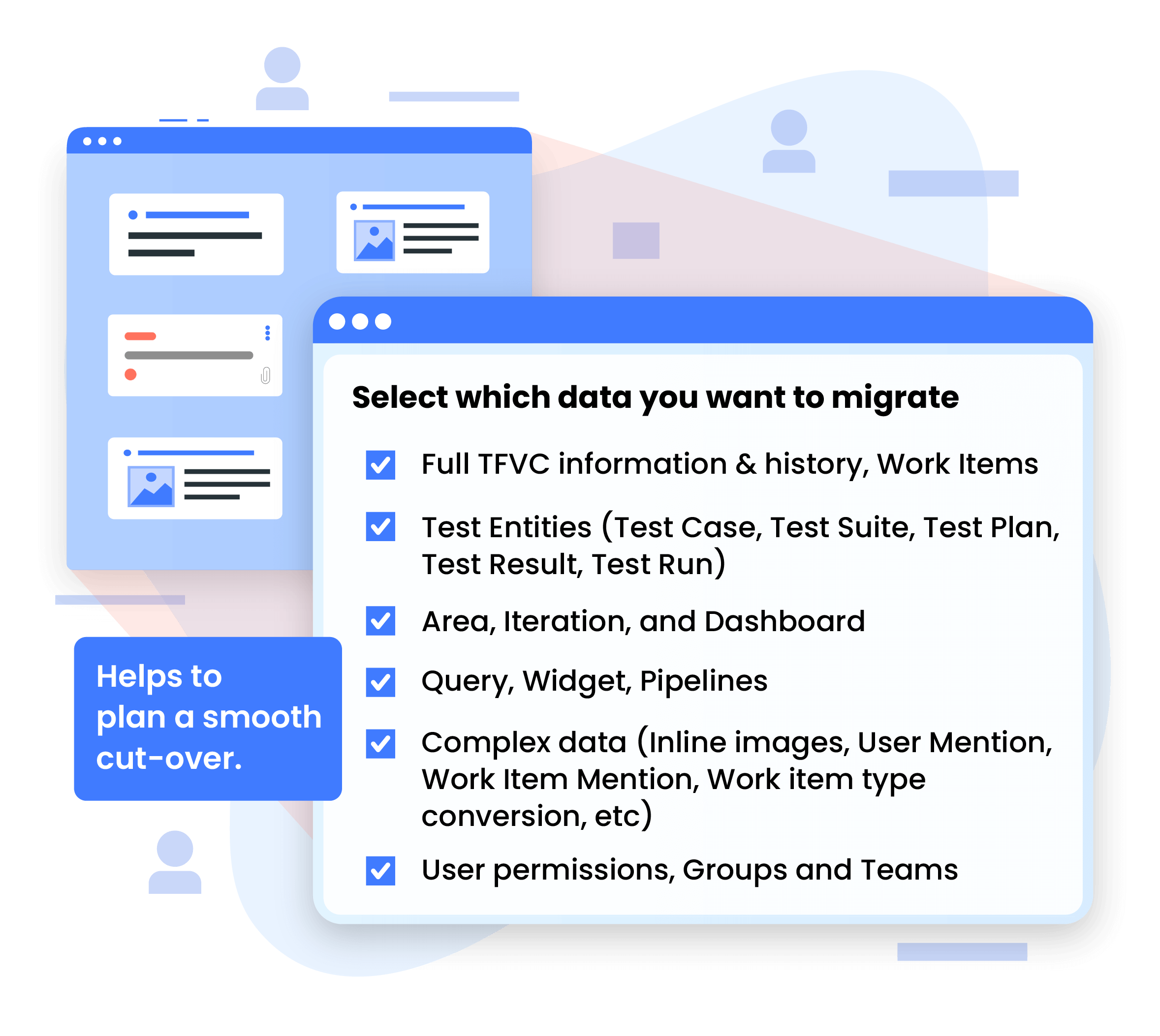
Choose the artifacts you want to migrate, including:

• Work items
• Test entities (Test Cases, Test Suites, Test Plans, Test Runs, Results)
• Areas, iterations, dashboards, queries, and widgets
• Pipelines
• User permissions, groups, and teams

All data is migrated with its relationships, history, and context intact.

Choose specific projects, collections, or repositories to migrate. OM4ADO supports selective migrations, enabling teams to consolidate or reorganize projects across Azure DevOps environments.
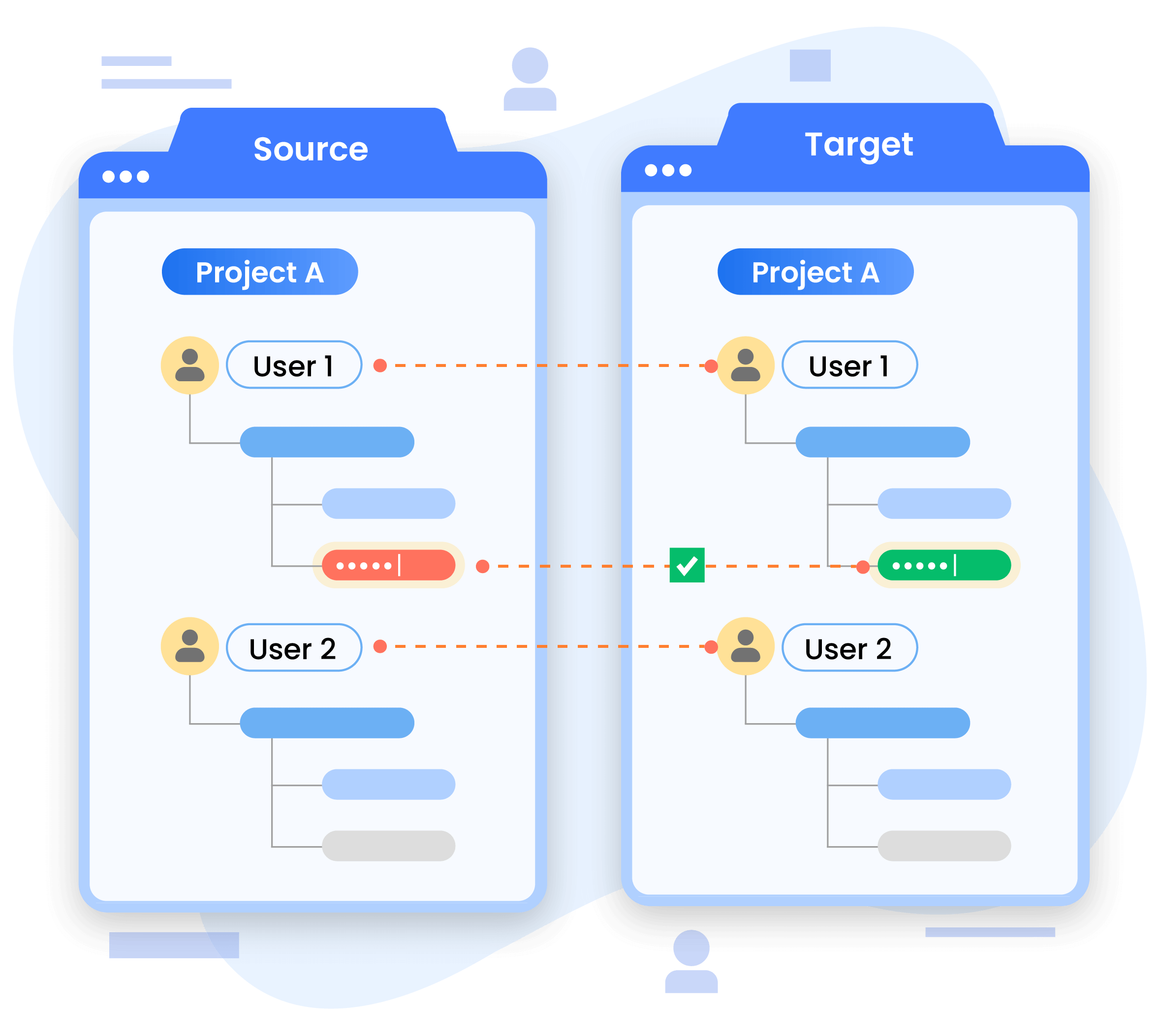
Map user identities between the source and target environments to ensure ownership, access control, and workflow continuity remain unchanged after migration.
Validate configuration and dependencies, then start the migration. OM4ADO performs incremental synchronization to keep both environments aligned until final cutover.

OM4ADO vs. Others

Here’s why OM4ADO outperforms other Azure DevOps migration approaches

Feature OM4ADO Manual Lift & Shift Migration Script-based Migration
Ease of migration
Yes
No
Yes
No
Migrating large projects
Easy
Difficult
Easy
No
Template customization
Yes
Difficult
No
No
Non-disruptive migration & syncing delta changes
Yes
Difficult
No
No
Failure management & recovery
Yes
No
No
No
Migrating single or partial projects in a collection
Yes
Yes
No
No
Work item Type and Project change
Yes
No
Yes
No

Frequently asked questions

There are several tools that can handle basic Azure DevOps migrations, mainly for simple work-item moves. They work fine for small projects but often require scripting and don’t preserve full history or complex relationships.

Types of tools available:

  • Basic/manual utilities (CSV export/import, Git clone/push)
  • Open-source migration tools (support limited work-item moves and partial history)
  • Scripting-based approaches (PowerShell/JSON pipelines for custom scenarios)
  • Enterprise migration tools like OpsHub Migrator for Azure DevOps (OM4ADO)

For more complete, low-risk migrations especially when you need full traceability, attachments, test assets, identity mapping, and minimal downtime, OpsHub Migrator for Azure DevOps (OM4ADO) provides a more reliable, full-fidelity option.

A smooth migration generally follows a structured approach:

  1. Assess your current TFS/ADO environment and identify entities such as work items, test assets, TFVC/Git, dashboards, and widgets.
  2. Define scope for what needs to be migrated.
  3. Select the right tool based on data fidelity requirements.
  4. Run a pilot migration to validate mappings and data integrity.
  5. Execute full migration with minimal downtime.
  6. Validate post-migration to ensure history, attachments, links, and identities are preserved.

Tools like OM4ADO support this entire workflow through delta sync, resumable migrations, and automated identity mapping, helping teams achieve a smooth cutover.

Common challenges include identity mismatches, incomplete migration of customized work-item templates, broken links or attachments, pipeline or dashboard loss, and performance issues with large projects.

Using a full-fidelity migration tool like OM4ADO helps avoid these issues through automatic identity mapping, rich entity support, failure recovery, resumable migrations, and post-migration validation, ensuring data accuracy and consistency.

Consolidating several Azure DevOps or TFS instances usually involves moving projects, preserving their history, and ensuring identities and metadata remain intact. Basic tools or scripts often handle only work items and may not support full project structures, test assets, or TFVC history, which can lead to gaps after consolidation.

For organizations that need a complete, accurate merge of multiple environments, OM4ADO supports full instance consolidation, including work items, test entities, TFVC/Git history, dashboards, queries, and area/iteration paths. This ensures all projects from different sources are merged with complete context and continuity.

Yes. Selective project migration and cross-org moves are possible, even though Azure DevOps doesn’t offer a built-in “move project” feature.

Typical challenges:

  • Lost history or links
  • Missing test plans/suites
  • Pipelines and dashboards not transferring
  • Identity mismatches
  • TFVC not moving cleanly

Basic methods (CSV, scripts, open-source tools) work for simple cases but don’t support full context.
For complete, high-fidelity migration including history, attachments, test assets, TFVC/Git, queries, and identity mapping teams often rely on OpsHub Migrator for Azure DevOps (OM4ADO).

Experience scalable, non-disruptive migration with OM4ADO

Schedule a free 30-minute live demo with our Azure DevOps migration experts